Need Additional Help? If you need further assistance after reading this article, please contact the IT helpdesk via email at techsupport@baypath.edu or by phone at (413)565-1487.
Before using a printer at a Bay Path University or Cambridge College location, you will need to register your university ID card to be able to use it at a printer.
-
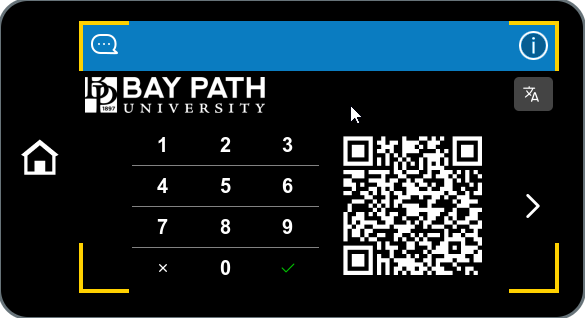
From a printer, enter your PIN and then tap the checkmark.
Your PIN is set to your full university ID number.
-
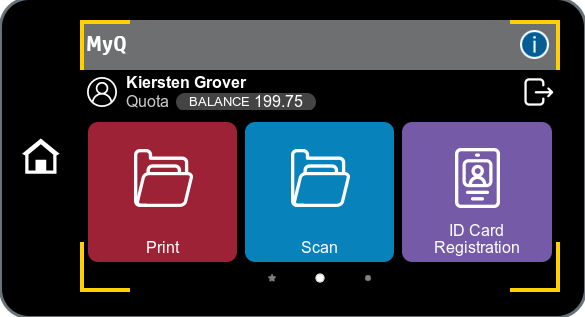
Tap ID Card Registration to begin the process.
-
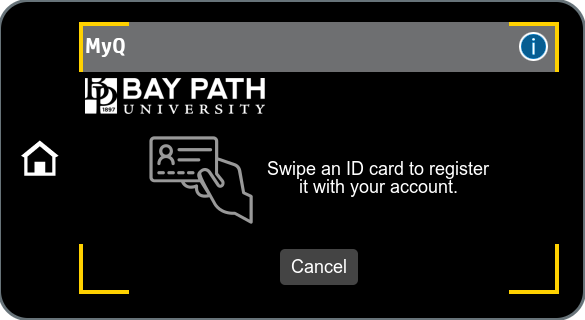
When prompted, scan your university ID card.
-
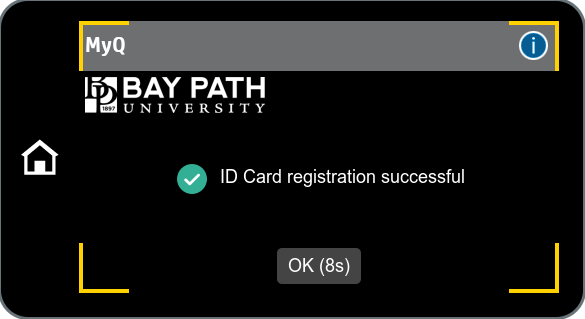
Once you’ve scanned your ID card, you should see that the registration was successful. You are now able to scan your ID to use the printers!